Have you ever been listing to music on your iPhone? Then when to take a video, and your music topped? Well, this iPhone hack will let you take video with the music in the background.
Steps
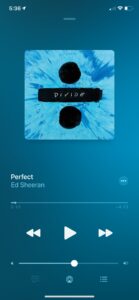
1 Turn on the music that you want in the background of your video
2. Open the camera app on iPhone
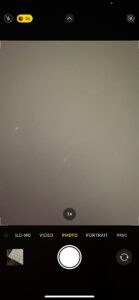
3. Stay on the photo and do not change it to video setting
4. Swipe the button to take a picture to the right

5. Then, it will record a video with music.
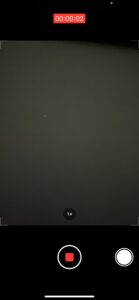
6. To stop the video, press the red button in the center at the bottom


