1. Unlock iPhone
2. Find the setting app and open it
3. Then scroll down till you find Face ID & Passcode and click on it

4. Put in passcode
5. Click on Set Up an Alternate Appearance

6. Then press Get Started
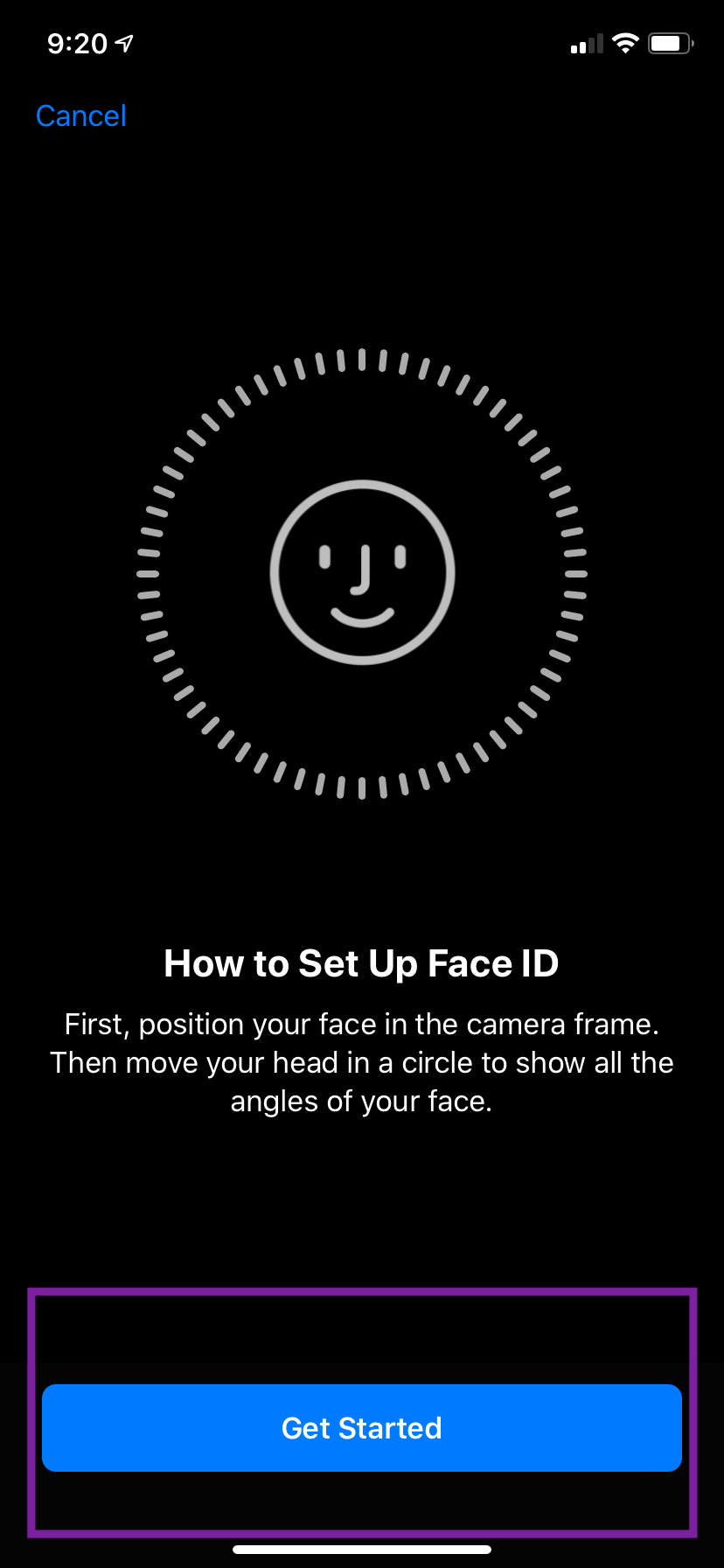
7. Move your head around to synchronize your face with the phone
8. Then click Continue
9. Then move your head around for the second time
10. Click done and you just successfully add your face ID to another phone


